
Learn anything.
One idea
at a time.
Your goal becomes a personal course. Move through focused lesson cards, try what you have learned, and build your understanding with your own AI tutor.
Free to start · iPhone · iOS 26 or later

Three steps, then you are learning.
-
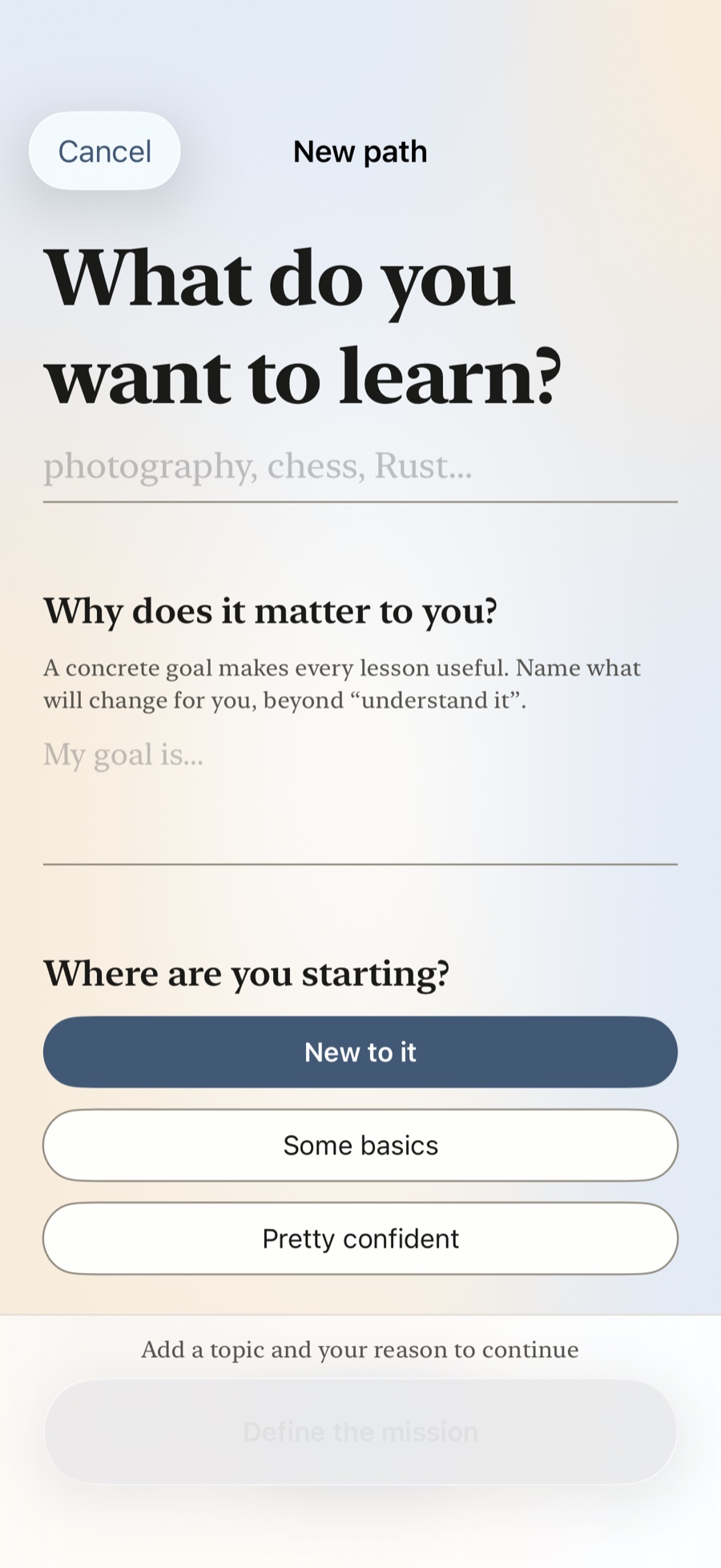
Name your goal
What you want to learn, why it matters to you, and how much time you have a day.
-
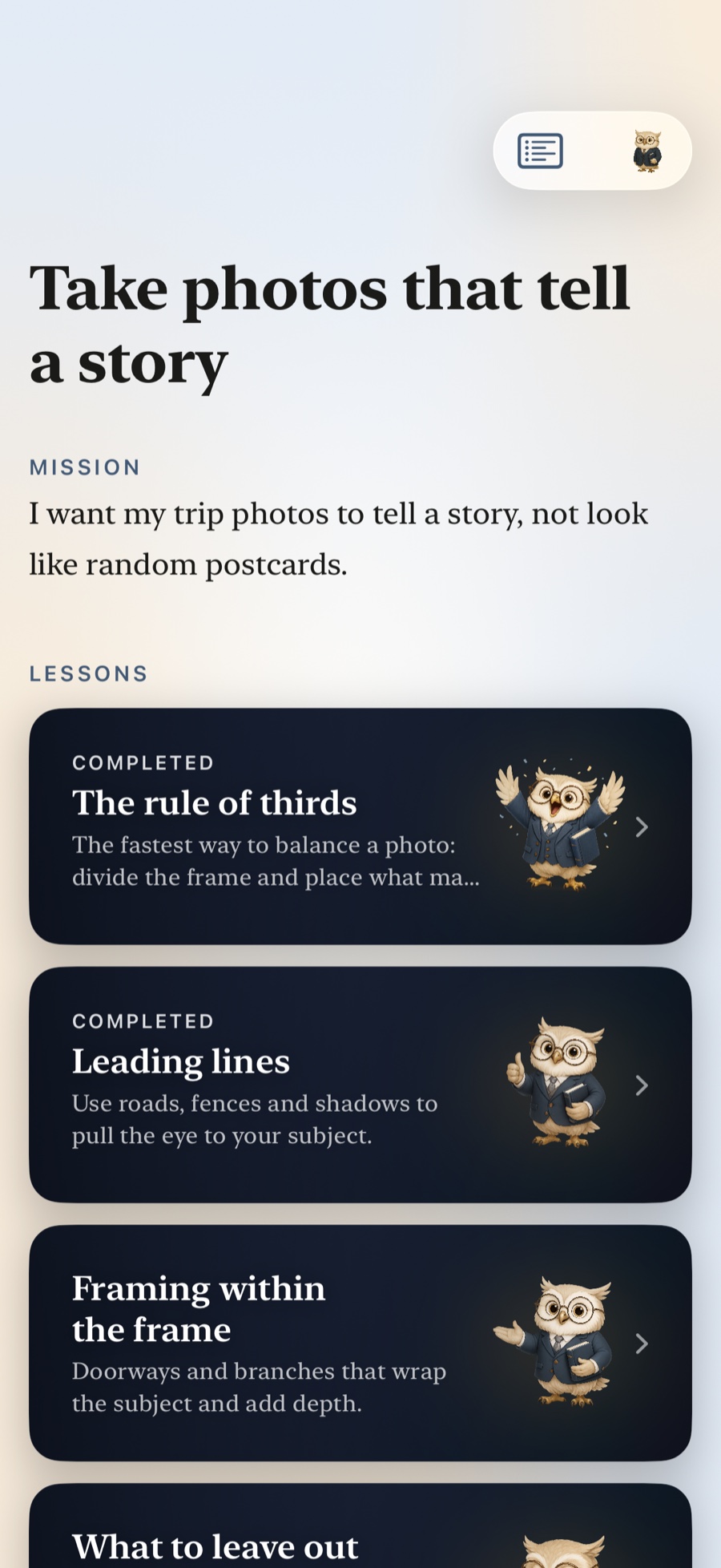
Get your path
An ordered course of short lessons that build toward it — and grows as you go.
-
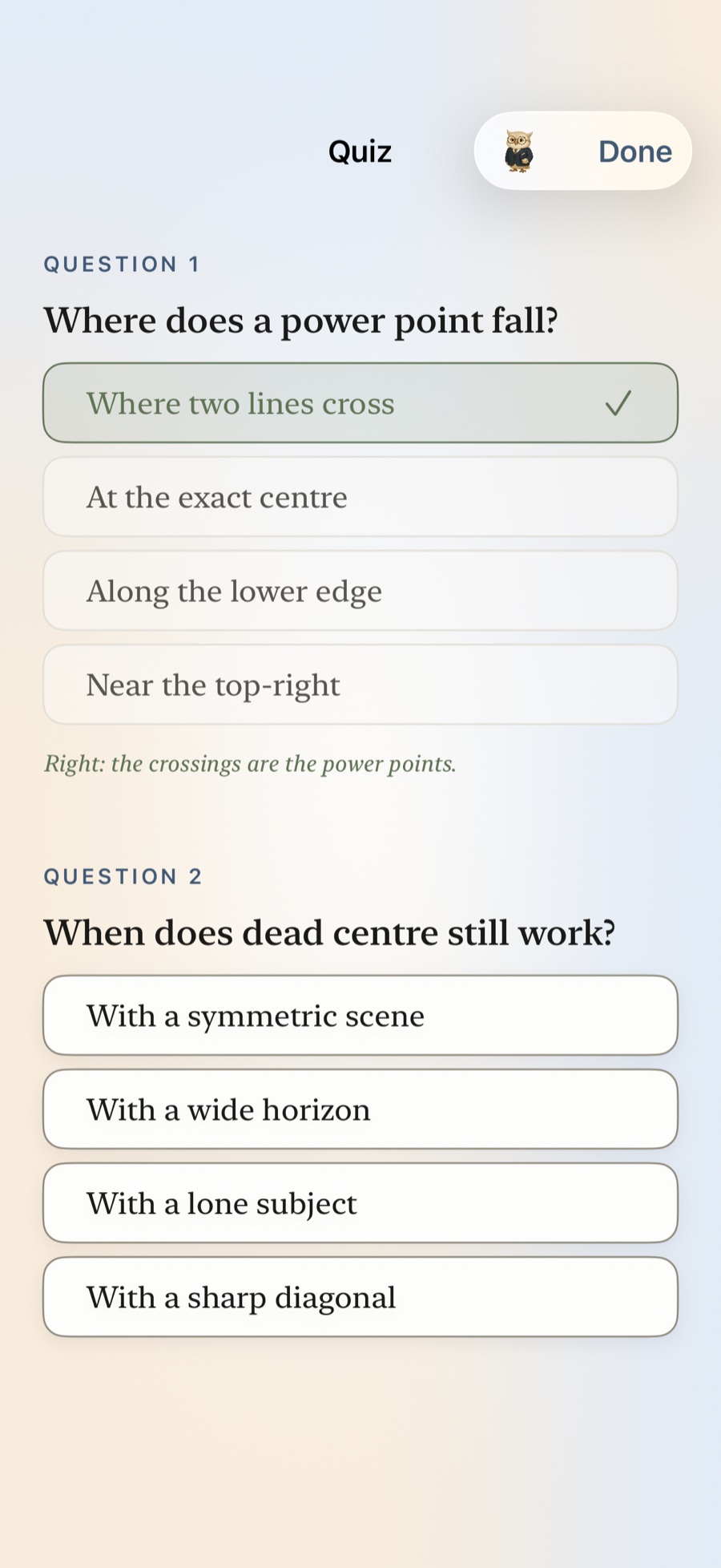
Learn it for good
Read, practise, pass the quiz, and let spaced review bring it back at the right moment.
Understand it.
Try it. Make it yours.
One focused card gives an idea room to make sense. The next asks you to use it. Swipe at your pace, listen along, or ask Maestro when something needs another explanation.
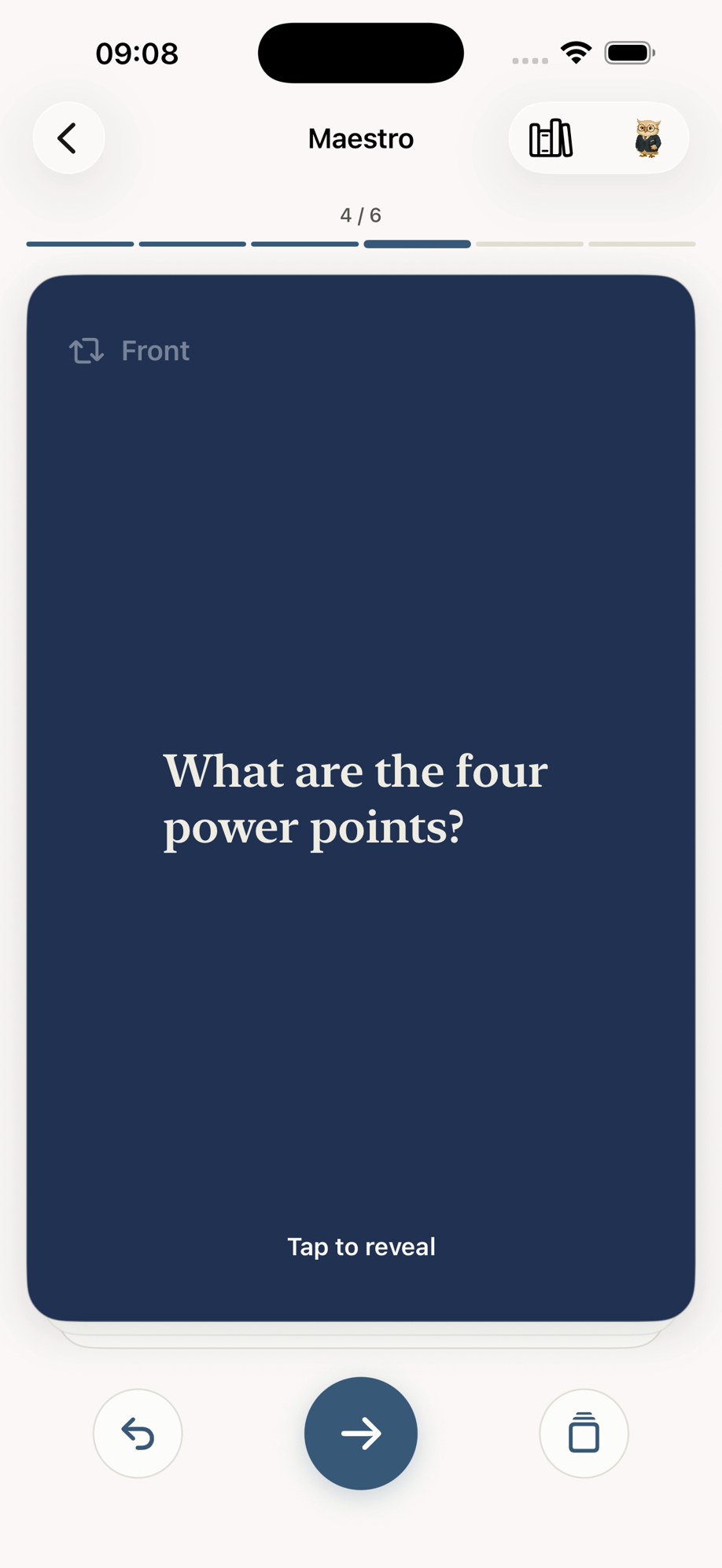
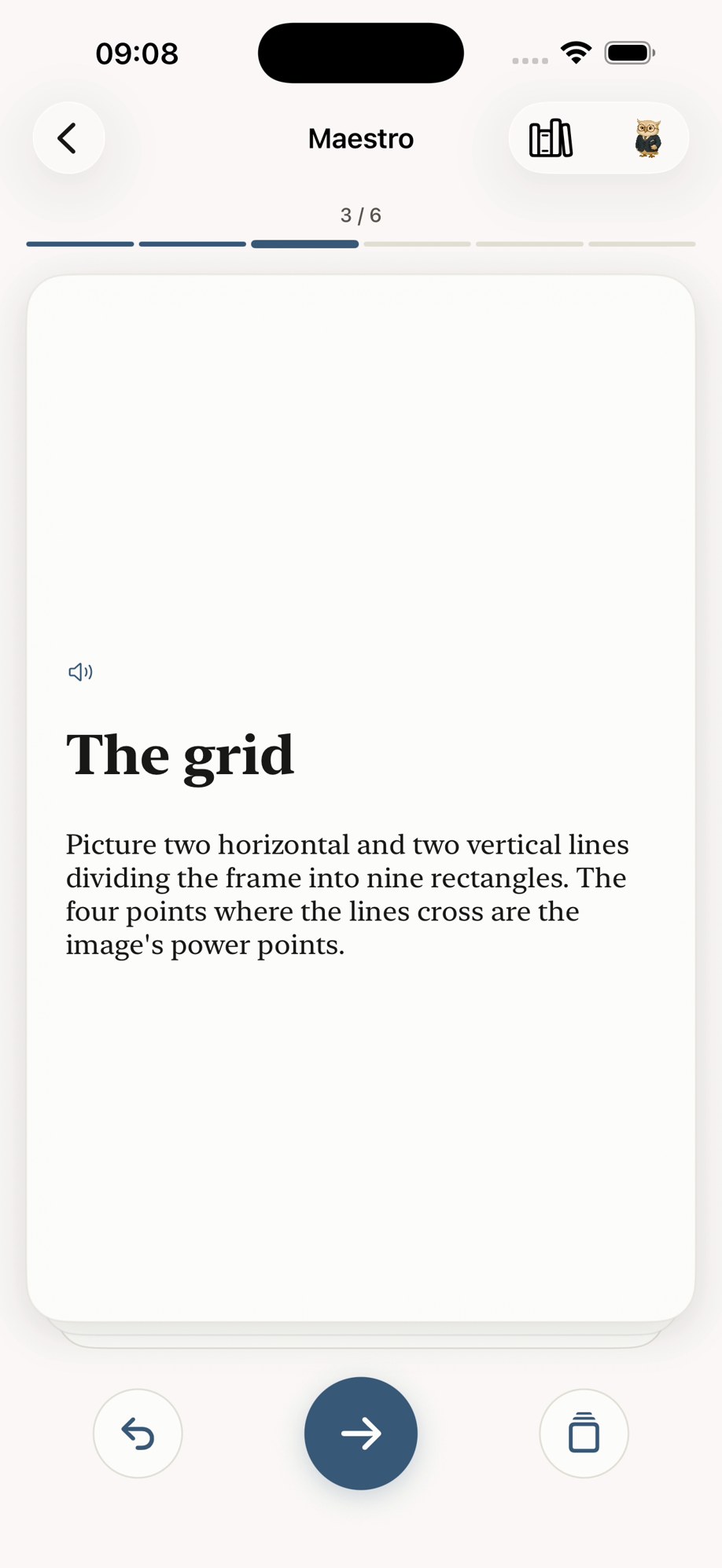
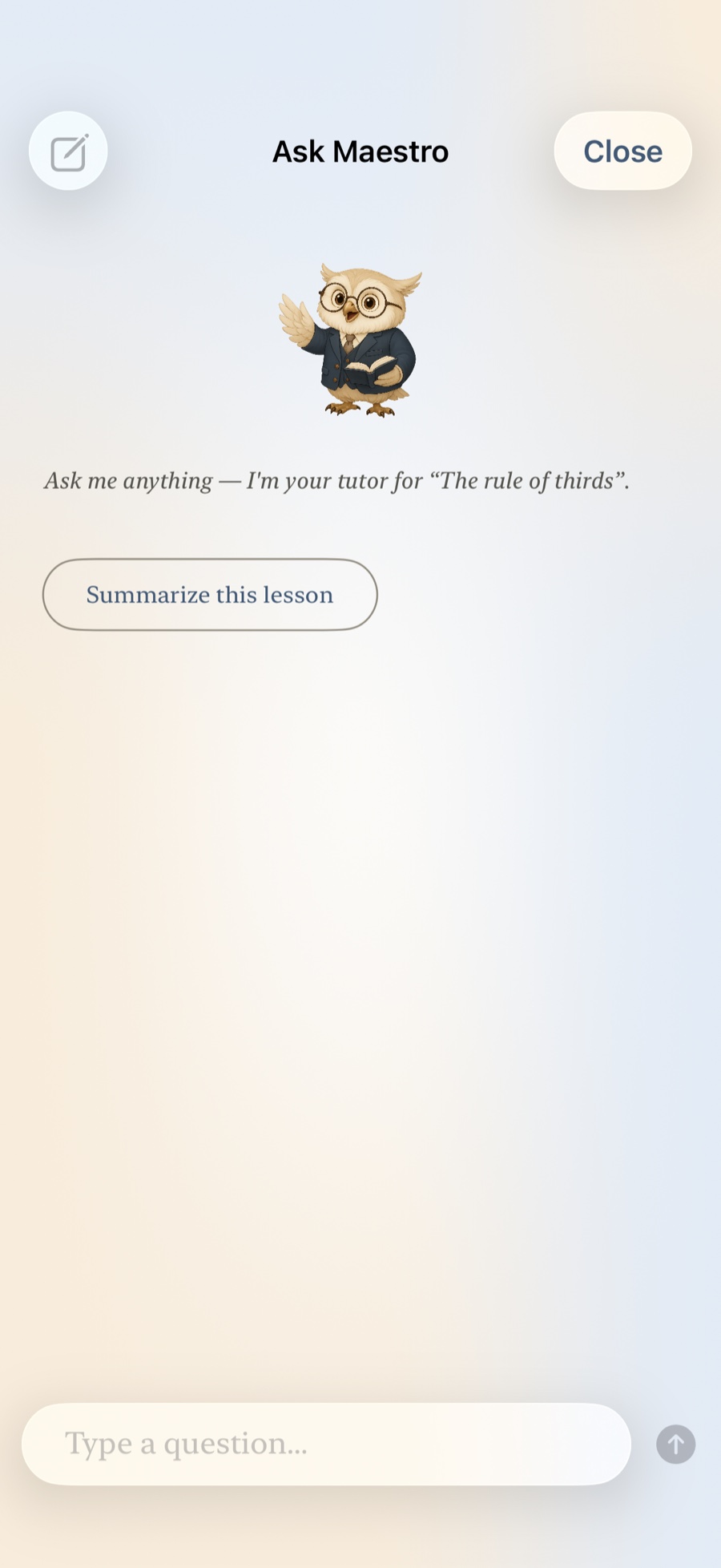
- A clear explanation
- Plain language, with a worked example and a diagram when one helps.
- Practice you actually do
- Flashcards, fill-in-the-blank, put-in-order. Reading something is not knowing it.
- A short quiz
- Two or three questions to check your understanding and see what to go over again.
- Cited sources
- Open the references when you want to check an idea or read further. They stay close without breaking your flow.
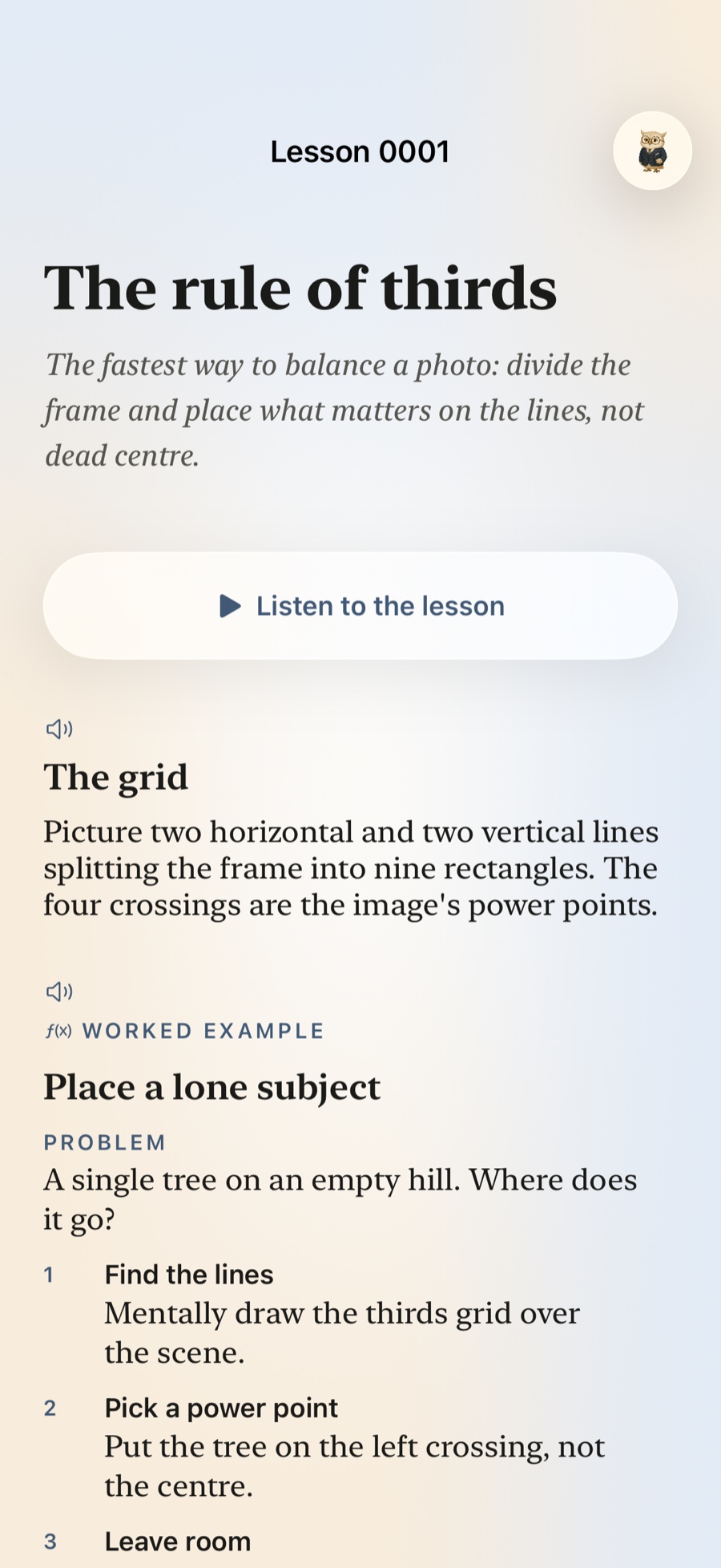
This is one lesson.
Maestro, teaching the rule of thirds.
“The fastest way to balance a photo: divide the frame and place what matters on the lines, not dead centre.”
And this is how it explains it — with a diagram, because some things are faster to see than to read. Each topic gets the examples and practice that help explain it. Your course grows toward your learning goals, one lesson at a time.
Dead centre
On a crossing
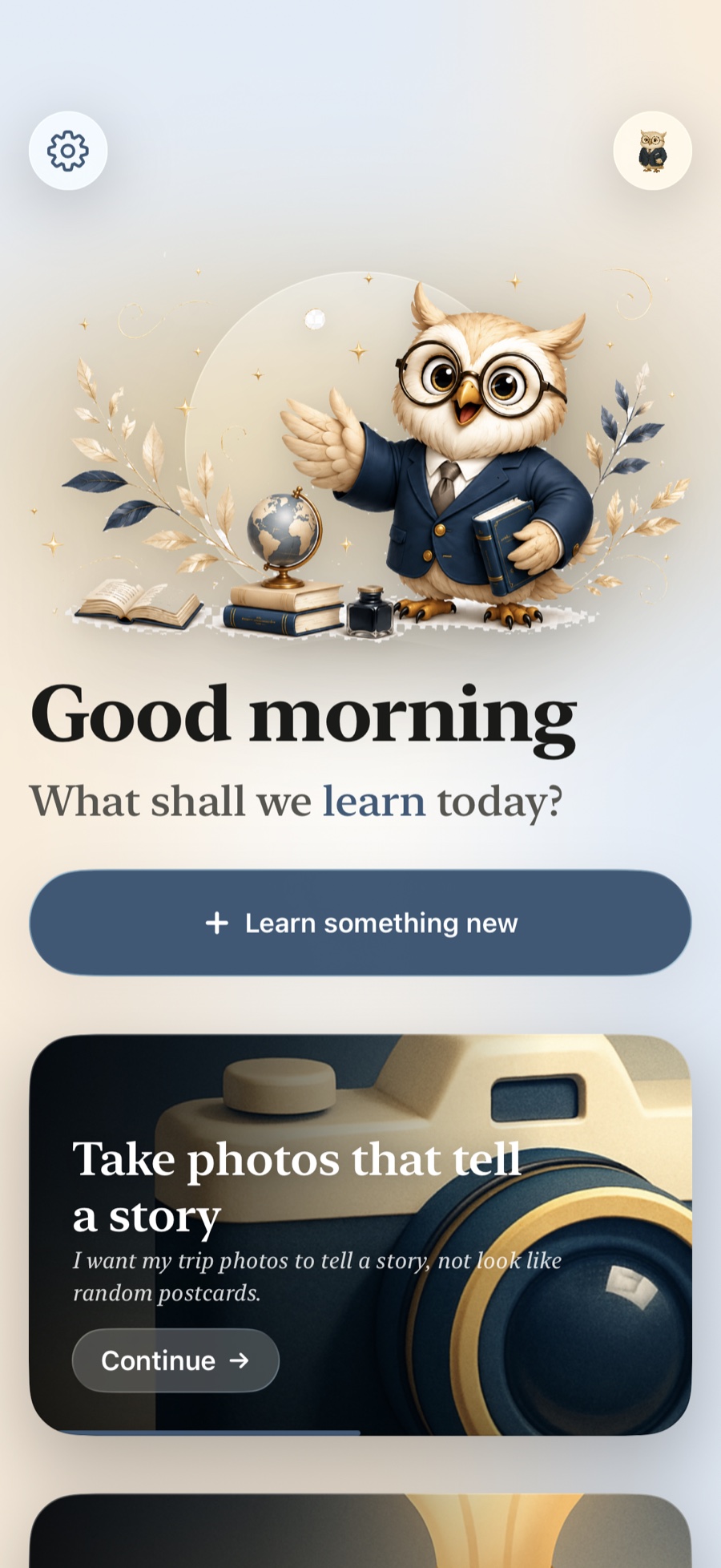
It learns you, not just the topic.
Maestro keeps your goal, your pace and your progress — so the next lesson always meets you where you actually are.
- Your place is kept
- Come back after a week; the course resumes exactly where you left it.
- The difficulty follows you
- Each lesson is pitched from what you have mastered and what you missed.
- A glossary that grows
- Terms are collected as you master them, in your own course.
- Review at the right moment
- Spaced reminders bring the hard parts back before they fade.
Wherever you already are.
Maestro lives in the parts of the iPhone you use every day — so learning starts wherever you happen to be standing.
-
Siri
Start a new topic by asking.
-
Shortcuts
Put a lesson inside your own routine.
-
Spotlight
Search finds the lesson you half-remember.
-
Home Screen widget
Where you are, one glance away.
-
Apple Watch
Your progress, on your wrist.
-
Export to PDF
Take any lesson with you, or print it.
When ten a month isn’t enough.
The free plan gives you 10 lessons a month, with every feature of the app. Maestro Plus is for the months you want to keep going.
- 100 lessons a month — ten times the free plan
- The same focused lessons, practice and personal learning path
Maestro Plus is an auto-renewing subscription — monthly or yearly — bought and managed through the App Store, which shows the price in your own currency. Cancel anytime in Settings.

Questions, before you download.
Is it really free to start?
Yes — 10 lessons a month with every feature of the app, not a trial that expires. Maestro Plus raises that to 100 a month; it is an auto-renewing subscription you can cancel anytime in Settings.
Does it really cite its sources?
Every lesson is researched against real material, and a source is kept only if it was genuinely opened and read — so the links under a lesson go somewhere real. When nothing solid turns up on a topic, Maestro teaches it from well-established general knowledge instead.
What can I learn?
Anything you can name a goal for — a language, the guitar, iPhone photography, statistics, the history you always meant to read. You name it; Maestro researches, writes and orders the course.
Are the lessons written by AI?
Yes, and the app says so on every one. They are grounded in cited sources and written to teach — but AI can still be incomplete or wrong, so check anything that matters and never treat a lesson as professional advice.
Will it remember where I am?
Yes. Your goal, your pace and your progress are kept, and they sync privately through your own iCloud, so the next lesson always meets you where you are.
Which devices does it run on?
iPhone, on iOS 26 or later, with an Apple Watch companion.
Do I need an account?
You sign in with Apple — that is what lets a course follow you across your devices. You can delete the account from Settings at any time, and it is removed for good.

Learn something today.
Name one goal. Get your first lesson in minutes.
Download Maestro for iPhoneFree to start · iPhone · iOS 26 or later